⚡ Upgrade demo
Mine a Mountain upgrade path — warmth, pickaxe, and backpack choices
Follow a full **Mine a Mountain Roblox** session that buys character upgrades, sells crystals, and balances pickaxe power with carry weight.
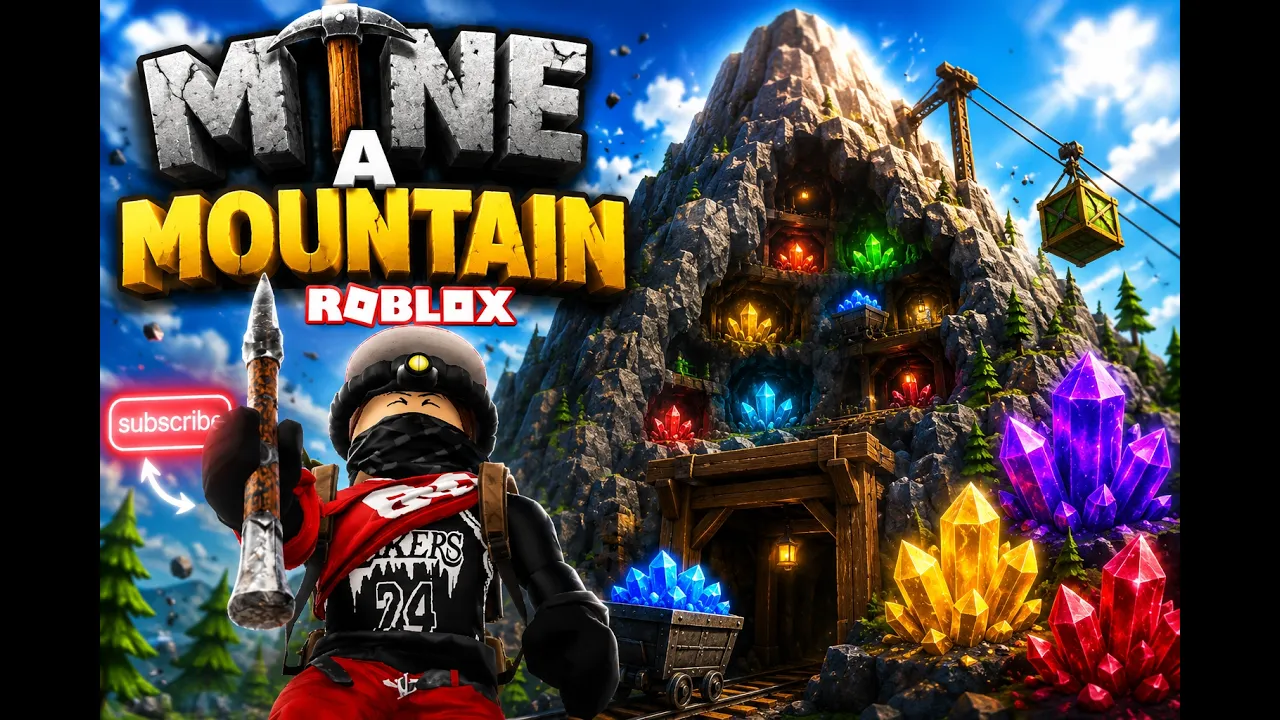
Mine a Mountain upgrade priority for Roblox climbs.
⚡ Upgrade demo
Follow a full **Mine a Mountain Roblox** session that buys character upgrades, sells crystals, and balances pickaxe power with carry weight.
Mine a Mountain has three cash upgrades on the official Roblox page by 10K Steps: warmth, pickaxe, and backpack (carry weight). There is no single "best" tree for every account — the correct buy is whichever stat stopped your last climb.
Players searching Mine a Mountain best upgrades usually want an order list. Community routes and live gameplay both converge on the same rule: fix freezing first, fix full bags second, fix slow mining third, then loop. Exact coin costs shift after patches — verify prices at spawn before you commit a long grind.
This Mine a Mountain Roblox guide turns that rule into tables, early-game examples, and mistake callouts. Pair it with the run planner when two upgrades compete for the same cash pile, and read the dedicated warmth guide when cold — not speed — ends your run.
Optional Digging Luck from liking the game and joining the creator group (+1 on the official page) helps rare crystal odds. Luck does not replace warmth or backpack levels when those are your bottlenecks.
Use the table below as the default Mine a Mountain best upgrades order when you are unsure. Override it whenever a different failure happens twice in a row — repetitive freezes always beat pickaxe hype.
Warmth upgrades extend how long you can stay at altitude before cold ends the climb. Backpack / carry weight upgrades let you hold heavier crystals per trip. Pickaxe upgrades raise Power and Mine Size so nodes break faster once you can already reach them.
After mid-game, players alternate pickaxe and backpack based on the hourly mountain layout. A rare-heavy hour rewards bag space; a dense-rock hour rewards pickaxe power if warmth is already comfortable.
| Blocker | Upgrade first | Why in Mine a Mountain | Tier |
|---|---|---|---|
| Freezing stops your climb | Warmth | Official page: top is cold | S |
| Backpack fills too fast | Backpack / carry weight | Kg cap blocks heavy rares | S |
| Mining feels slow | Pickaxe power | Mining too slow at target height | A |
| Rare crystal drought | Digging Luck (+ group bonus) | Mining too slow at target height | B |
Early Mine a Mountain Roblox accounts should spend first cash on whichever failure appears before ten minutes of climbing. Most new players hit freezing before they fill a bag or need a faster pickaxe — that matches the official "Don't freeze, the top is COLD!" line.
A practical early route: mine and sell at low altitude until you can afford the first warmth levels → push slightly higher each run → buy pickaxe tiers when the same crystal takes too many hits → buy carry weight when kg limits block profitable rares → repeat on the next hourly mountain.
Gameplay footage shows players buying carry weight one kilogram at a time while saving for the next pickaxe tier priced in the thousands. Skipping warmth to rush pickaxe often means owning a strong tool you cannot use before cold sends you home.
Track your first sessions with the beginner guide and compare pickaxe milestones on the pickaxes page once warmth feels stable.
| Session phase | Spend on | Stop when… | Tier |
|---|---|---|---|
| Runs 1–3 | Warmth | You reach crystal bands without retreating | S |
| Runs 4–6 | Pickaxe (low tiers) | Mining speed feels smooth at that height | A |
| Runs 7+ | Backpack kg | Heavy crystals fit after dropping commons | S |
| Mid game | Alternate pickaxe / bag | Neither speed nor kg stops the run | A |
The most common Mine a Mountain best upgrades debate is warmth versus pickaxe. Warmth increases altitude time; pickaxe increases loot per minute while you are already there. If cold ends your run with crystals left on the mountain, warmth wins every time.
Pickaxe wins when you can climb to your target layer comfortably but each node takes too long. You are not freezing — you are wasting warmth timer on weak Power. Compare tiers on the pickaxe tier list before buying.
Live climbs show players still freezing near the peak even after large warmth purchases — the top remains dangerous. That is normal. The goal is pushing your freeze line higher each session, not eliminating cold entirely on a budget account.
Use the warmth calculator as a planning aid, then confirm with one real Mine a Mountain Roblox climb.
Backpack upgrades increase carry weight in kilograms. Mine a Mountain crystals can weigh more than your remaining cap even when slot icons look fine. When that happens, either drop low-value loot on the mountain or upgrade carry weight at spawn — see how to drop items.
Selling often is valid early when upgrades are cheap. Mid-game, extra kg reduces how many times you walk home per hour — important before the hourly mountain timer swaps layouts.
Do not max backpack while warmth still caps you at mid altitude. Carrying more low-tier crystals from a shallow climb is weaker than fewer high-tier crystals from a warm enough push.
Estimate sell totals with the crystal value calculator using prices you read in-game, not rumor lists.
| Symptom | Best upgrade | Alternative | Tier |
|---|---|---|---|
| Bag full of cheap crystals | Backpack kg | Sell more often | A |
| One heavy rare does not fit | Backpack kg or drop trash | Drop commons on PC | S |
| Freezing with empty bag space | Warmth | Not backpack | S |
| Slow breaks, bag not full | Pickaxe | Not warmth | A |
Mid Mine a Mountain accounts rotate between expensive pickaxe tiers (millions of cash) and incremental warmth or kg levels. Gameplay shows Frostbite Pick-class milestones funding themselves when a single legendary crystal pays for the next tier — but only if warmth and bag allowed you to pick it up.
Late climbs stack warmth totals in the hundreds or thousands while chasing peak crystals before the hourly reset. At that stage, one wrong purchase hurts more — test one upgrade per run.
Robux shortcuts such as the Diamond Pickaxe gamepass add power and luck but do not replace warmth or carry planning. Treat paid tools as optional accelerators on the pickaxes page.
When progress feels stuck despite upgrades, read stuck fixes before assuming the account bugged.
| Upgrade | Role | When it peaks | Tier |
|---|---|---|---|
| Warmth | Climb higher | Always until peak reachable | S |
| Pickaxe | Mine faster / harder rock | Mid to late cash grind | A |
| Backpack | Hold heavy rares | When kg blocks profit | S |
| Digging Luck (+1 group) | Rare odds | After bottlenecks fixed | B |
Mistake one: copying a creator's endgame pickaxe while running starter warmth. Mine a Mountain Roblox progression is bottleneck order, not flex purchases.
Mistake two: ignoring carry weight while hunting legendaries. Breaking a crystal you cannot pick up is a bag problem disguised as bad luck.
Mistake three: spreading cash across all three shops every sell trip. One focused upgrade per trip compounds faster on Mine a Mountain hourly mountains.
Mistake four: trusting upgrade advice from other Roblox mining games. Verify every stat on the live 10K Steps experience (Place ID 125927821145949).
Whatever stopped your last run — warmth if you froze, backpack if kg blocked loot, pickaxe if mining was too slow.
Warmth if cold ends your climb. Pickaxe if you stay long enough but nodes break too slowly.
When carry weight — not freezing — stops you from picking up valuable crystals. Drop commons or sell if you only need cash.
No official tree exists. Use blocker-first order and the run planner when two stats tie.
Shop prices and values can shift — recheck spawn menus after updates. Last wiki review: July 2026.
Matched by build plan, shared topics, and guide progression — not random related links.