🔧 Troubleshoot
Mine a Mountain stuck inventory — too heavy, Backspace drop, and sell fixes
See **Mine a Mountain Roblox** fixes when crystals are **too heavy to carry**, Backspace drops fail to free enough kg, and sell trips unblock progress.
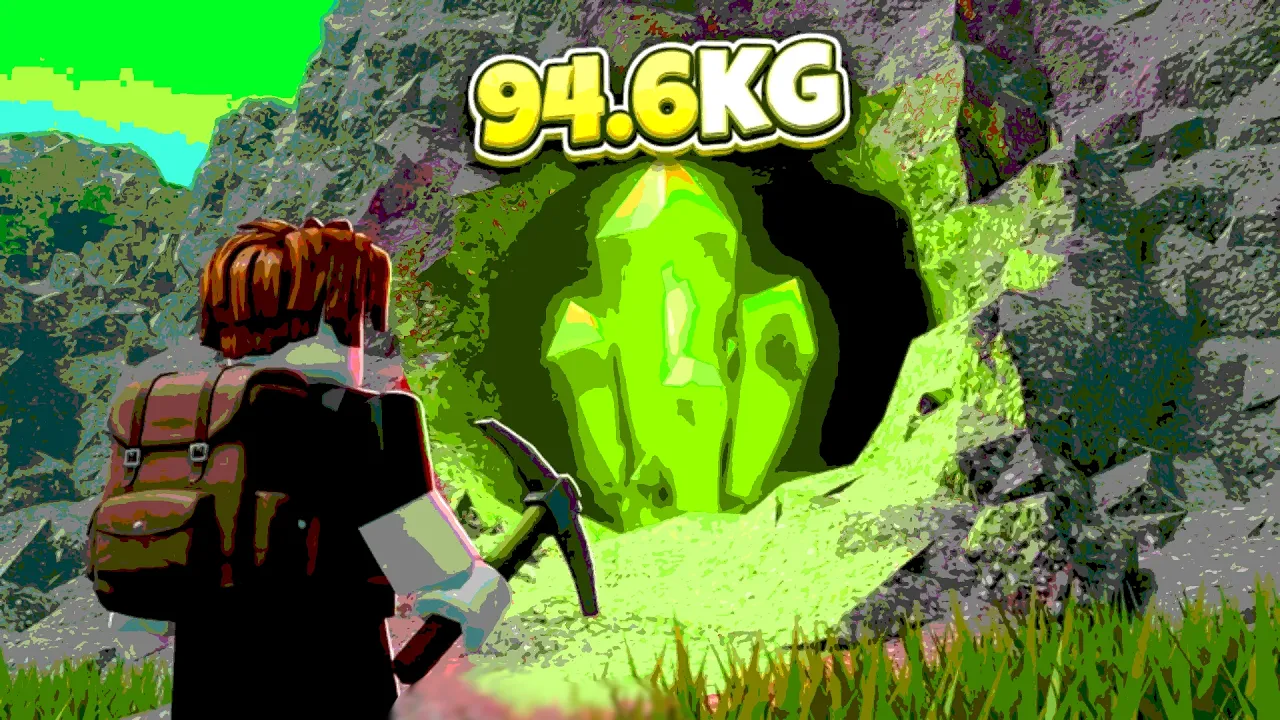
Mine a Mountain troubleshooting for Roblox — diagnose before spending cash.
🔧 Troubleshoot
See **Mine a Mountain Roblox** fixes when crystals are **too heavy to carry**, Backspace drops fail to free enough kg, and sell trips unblock progress.
Feeling stuck in Mine a Mountain usually means a bottleneck — kg, warmth, pickaxe tier, UI friction, or server lag — not a broken account.
This Mine a Mountain stuck fixes page maps common search symptoms: pickaxe shop can't scroll, crystals not working, too heavy to carry, too far to dig, and flat progress after the wrong upgrade buy.
Before spending another sell payout, label what stopped the last climb: cold, bag kg, pickaxe gate, sell UI, or shop scroll. That beats random shop purchases on Mine a Mountain Roblox.
Cross-check best upgrades and the beginner guide after a fix so you do not repeat the same mistake.
Many Mine a Mountain stuck fixes searches overlap with how to drop items and controls — use those pages when the symptom is Backspace, hotbar, or E sell prompts rather than shop scroll.
Some Mine a Mountain Roblox players report the Pickaxes Shop list not scrolling on mobile or small screens — a top P1 search symptom.
Try rotating the device, lowering Roblox UI scale in settings, or using mouse wheel / drag on PC shop panels.
Rejoin the experience once if the shop UI loaded before assets finished — frozen lists often clear after a fresh server.
If scroll works but prices look wrong, compare live tiers on the pickaxes page and updates — patches move costs without changing scroll behavior.
Full input reference lives on controls and mobile.
If the shop opens but individual pickaxe rows never highlight, click the panel border first — some Mine a Mountain clients send scroll events to the world camera until the shop frame has focus.
If crystals will not mine in Mine a Mountain, check too far to dig first — step closer until the swing connects.
Epic or higher pickaxe (or similar gate text) means your tool cannot break that rock — upgrade at spawn or mine softer layers.
If crystals will not sell, stand at the vendor prompt and use Sell all crystals. Rejoin once after hourly mountain reset or patch if buttons freeze.
Pickups that fail after you clearly stand on the crystal may be lag — gameplay shows stacks refusing pickup until a retry succeeds. Wait a second, move slightly, try again before dropping loot.
Hourly swaps regenerate terrain — unmined world nodes from the old layout disappear. Carried bag crystals typically persist; see hourly mountain guide.
If Mine a Mountain crystals not working searches started right after an update, run the updates post-patch checklist before assuming account loss — sell UI and gate text change more often than loot deletion.
| Symptom | Likely cause | Fix | Tier |
|---|---|---|---|
| Cannot mine node | Too far / weak pickaxe | Move closer or upgrade pickaxe | S |
| Sell button dead | Out of range or UI bug | Walk to vendor · rejoin | S |
| Crystal vanished on ground | Lag or other player pickup | Retry · quieter server | B |
| Nothing after reset | Old layout nodes gone | Scout new hour | B |
Too big to carry and backpack full messages in Mine a Mountain Roblox usually mean kg cap, not slot count — a 20 kg crystal cannot enter an 18 kg max bag even when the bar looks empty.
On PC, drop low-value stacks with Backspace on a hotbar slot — see how to drop items. Gameplay shows drops that still leave the target too heavy when the rare exceeds total capacity — only carry weight upgrades fix that.
Open backpack UI and drop or skip the lowest cash-per-kg stacks before chasing one big crystal mid-climb.
If every climb ends heavy, stop dropping and buy +kg at spawn — best upgrades orders backpack before hype pickaxes when kg blocks payouts.
Track worst kg/$ crystals in your bag before dropping — gameplay shows players comparing stack weights in the backpack UI to decide which commons to shed for one big sell.
Flat Mine a Mountain progress often means buying the wrong upgrade: pickaxe while freezing, warmth while bag is always full, or depth-style pushes without sell cash.
Run one timed climb: note freeze height, kg at sell, and pickaxe gate messages. Spend the next payout only on that blocker.
Community sessions describe the game as a little touchy on narrow tunnels — claustrophobic digs slow beginners who might earn more on surface routes until warmth and kg stabilize.
If income per hour feels low, read cash guide and warmth guide before assuming bad RNG on the hourly mountain.
Write down one line after each Mine a Mountain stuck fixes attempt — "bought warmth +1, reached +20 m higher" — so the next sell funds the right shop instead of repeating the same purchase.
| Stuck feeling | Real blocker | Page to read | Tier |
|---|---|---|---|
| Always cold mid-climb | Warmth too low | Warmth guide | S |
| Always leaving rares | Kg too low | Best upgrades | S |
| Chipping forever | Pickaxe power | Pickaxes | A |
| Same commons only | Route / hourly seed | Hourly mountain guide | B |
Fall damage kills Mine a Mountain climbs — zigzag down steep dug paths instead of jumping off cliff edges when your bag holds a valuable sell.
Death can strand crystals until you walk back — plan routes that avoid unnecessary vertical drops near holes you mined.
Server lag mimics broken pickups or sell buttons. Rejoin once before dropping legendaries out of frustration.
After patches, retest on the updates checklist — persistent bugs are rarer than proximity, kg, and pickaxe gate issues.
Crowded Mine a Mountain Roblox servers increase dropped-crystal theft and pickup race conditions — quieter hours help when testing stuck fixes on valuable hauls.
Dropping legendaries you meant to sell — Mine a Mountain dropped loot is public and gives zero cash until vendor sell.
Buying expensive pickaxes while still freezing mid-mountain — power you cannot use before cold sends you home.
Trusting script or exploit videos for "infinite money" — unrelated to legitimate sell loops and risks bans.
Copying fixes from other Roblox mining games — verify on Place ID 125927821145949 only.
No verified Mine a Mountain promo code fixes shop scroll or crystal sell bugs — see codes for redeem status instead of generator sites.
Try UI scale, rotation, mouse wheel on PC, or rejoin. Mobile scroll bugs are common early-launch friction.
Stand at spawn vendor, use Sell all, rejoin after reset or patch if UI is frozen.
Kg over cap. Drop trash, upgrade carry weight, or sell and return lighter — drops cannot exceed max kg.
Your pickaxe tier is too low for that rock. Upgrade at spawn or mine softer layers.
Once after sell/mine UI fails post-reset or patch, before reinstalling or dropping valuable loot.
Matched by build plan, shared topics, and guide progression — not random related links.