⌨️ Inputs
Mine a Mountain controls — mine crystals, climb, and sell at base camp
Watch **Mine a Mountain Roblox** inputs in action: dig crystals on the slope, walk to spawn, and **Sell all** at the vendor.
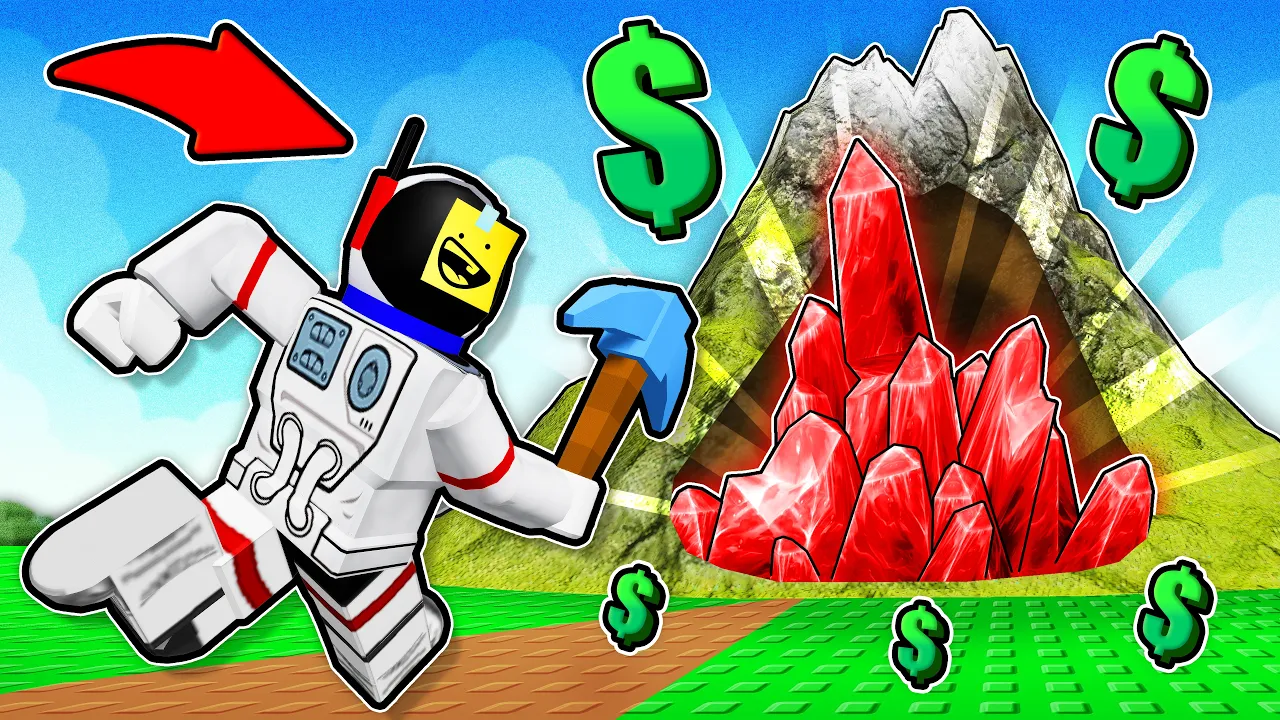
Mine a Mountain default Roblox controls for climb-and-sell loops.
⌨️ Inputs
Watch **Mine a Mountain Roblox** inputs in action: dig crystals on the slope, walk to spawn, and **Sell all** at the vendor.
Mine a Mountain uses standard Roblox controls on every platform — there is no in-game key rebinding menu. Movement, camera, mining, and vendor prompts behave like most Roblox simulators on Place ID 125927821145949 by 10K Steps.
This Mine a Mountain controls reference maps inputs to the core loop: climb the mountain → mine crystals with your pickaxe → fill backpack kg → return to spawn → sell all crystals → buy warmth, pickaxe, or carry weight upgrades.
Searching Mine a Mountain Roblox controls, keyboard inputs, or how to sell crystals lands here. Pair with the beginner guide if you have not finished the tutorial sell yet.
PC players get keyboard shortcuts (E at vendor, Backspace drop on hotbar items). Mobile and console use on-screen prompts — see the mobile guide for touch tips.
Searching Mine a Mountain how to drop items or sell all crystals are control-adjacent queries — this page covers inputs; strategy lives on drop-items and cash guides.
On PC, move with WASD and jump with Space — standard Roblox locomotion in Mine a Mountain Roblox.
Mouse movement controls the camera. Steep Mine a Mountain slopes punish bad footing — fall damage ends climbs and can strand heavy crystals on the mountain.
There is no dedicated sprint key. Progress comes from warmth and route choice, not a hidden run toggle.
Shift-lock (Roblox default) can stabilize camera while climbing narrow dug-out tunnels — toggle in Roblox settings if the view spins during mining.
| Action | PC input | Notes | Tier |
|---|---|---|---|
| Move | WASD | Roblox default | S |
| Jump | Space | Cross small ledges | B |
| Camera | Mouse | Aim at crystal nodes | S |
| Sprint | — | Not a separate MaM key | C |
Equip your pickaxe from the hotbar, stand near a crystal or rock node, and click (or tap on mobile) to swing in Mine a Mountain.
If the game says too far — get closer to dig, step toward the node until the prompt clears — the most common new-player control mistake on Mine a Mountain Roblox.
Some layers require higher pickaxe Power — UI messages like epic or higher pickaxe mean your tool cannot break that stone yet. Compare tiers on the pickaxes page instead of spamming clicks.
Digging into the mountain creates tunnels — valid for buried loot, but slower than surface routes while you still learn warmth and kg limits.
Higher Mine a Mountain rarity bands sit farther up the slope — the height meter on the HUD tracks vertical progress while you learn which controls inputs repeat every climb.
Return to spawn / base camp and interact with the crystal vendor when the prompt appears — gameplay commonly uses E on PC at the sell UI.
Choose Sell all crystals to convert your bag to cash in one step. Carried crystals are not money until the vendor confirms payment.
After selling, walk to warmth, pickaxe, or backpack shops at spawn — spending order is covered on best upgrades.
Sell timing and trip rhythm live on the cash guide. Teleport or walk home before the hourly mountain timer wastes a full bag.
Some Mine a Mountain Roblox sessions show a home or teleport label to return from the mountain — if yours differs after an update, follow visible UI prompts at spawn rather than old video labels.
| Step | Typical PC input | Result | Tier |
|---|---|---|---|
| Reach spawn | WASD | Vendor in range | S |
| Open sell UI | E / click prompt | Sell menu opens | S |
| Cash out | Sell all crystals | Cash balance updates | S |
| Upgrade | Walk to shop + click | Warmth / pickaxe / kg | A |
Open Roblox inventory with the backtick key (`) on PC to move crystals between backpack and hotbar slots 1–0.
To drop a stack on PC: select the hotbar slot, then press Backspace — confirmed in live Mine a Mountain sessions. Dropped loot is public; see how to drop items for kg strategy.
Mobile clients may not expose Backspace dropping — many Mine a Mountain Roblox phone players sell early instead of dropping on the slope.
Backpack limits use kilograms, not just slots. A crystal can be too big to carry even after drops — upgrade carry weight at spawn when that repeats every climb.
The Mine a Mountain controls page does not replace drop strategy — when Backspace frees space but cash is the goal, walk to Sell all instead of littering commons on busy servers.
Mobile players use the on-screen move pad and tap to mine crystals in Mine a Mountain. Interact buttons appear near the vendor and shops when in range.
Console players use the left stick to move and face buttons / triggers for interact per Roblox's gamepad map — the climb-and-sell loop is identical, only labels change.
Pickaxe shop lists can be hard to scroll on small screens — rotate device, pinch UI scale in Roblox settings, or rejoin if the panel freezes. Details on stuck fixes.
Touch camera drift makes too far to dig more frequent on phone — step closer before each swing.
Console players should enable Roblox gamepad interact hints in settings if pour/sell prompts never appear — the Mine a Mountain controls loop is unchanged; only discovery friction differs.
| Platform | Move | Mine | Sell | Tier |
|---|---|---|---|---|
| PC | WASD | Click | E + Sell all | S |
| Mobile | Joystick | Tap | On-screen prompt | A |
| Console | Left stick | Interact | Context button | A |
Too far to dig — walk closer to the crystal until the message clears.
Sell prompt missing — stand at spawn vendor range; rejoin once after hourly reset if UI fails.
Backspace does nothing — confirm item is on hotbar and dropping is allowed for that stack; sell instead if disabled.
Pickaxe shop won't scroll — see stuck fixes before blaming your device.
After patches, button labels can move — check updates and retest on the live build.
When Mine a Mountain controls feel broken on PC, confirm Roblox is not eating keyboard focus in chat or overlay menus — click the game viewport, then retry E or Backspace.
Practice the repeat cadence: mine until kg or cold stops you → return to spawn → Sell all → one upgrade → same route retry. Every Mine a Mountain Roblox input in that loop is covered above.
WASD move, click to mine, E at vendor to sell all crystals, backtick inventory, Backspace to drop hotbar items.
Return to spawn, interact with the vendor, choose Sell all crystals.
No in-game rebinding. Use Roblox account settings for platform remaps.
You are too far from the node. Step toward the crystal or rock until mining connects.
Hotbar select + Backspace. Full guide on the how to drop items page.
Matched by build plan, shared topics, and guide progression — not random related links.